✋ Notification Throttling
Section titled “✋ Notification Throttling”Throttiling allows you to prevent software bugs or UX flaws from flooding your end-users with too many notifications.
How does it work?
Section titled “How does it work?”You can pick how many of the same notification you want to allow to be sent to a user within a given time window.
import img from ‘@site/static/NotificationAPI - Notifications as a service - throttling detection 6.png’;
 >
>
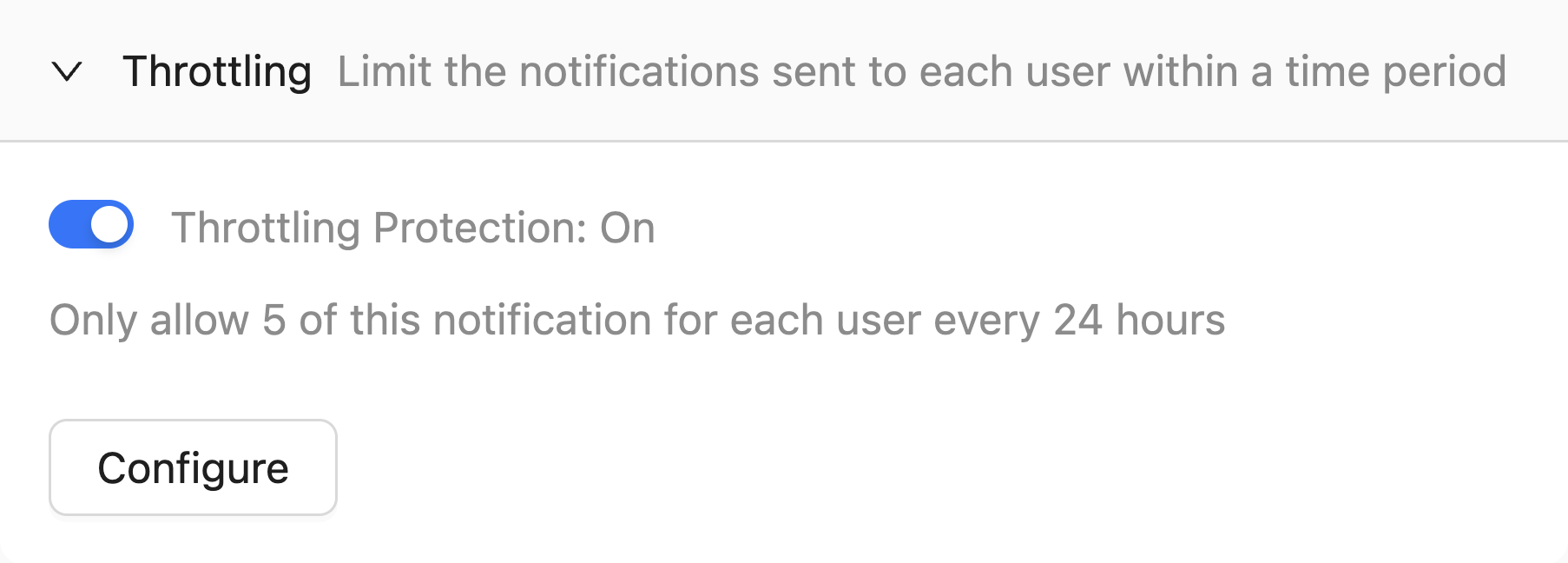
For example, if you configure throttling to allow 5 delivery_tracking notifications within one hour, it means that:
- You can still send 10
delivery_trackingnotifications to 10 different users within one hour - The same user can only receive 5 within one hour
- The 6th
delivery_trackingnotification to the same user within one hour will be ignored - Ignored requests are properly logged in our logs and insights features
How to use the throttling feature?
Section titled “How to use the throttling feature?”Throttling can be configured on a per-notification basis in the notification configuration page.
It is disabled by default.